illumend + Viewpoint Vista integration

Your partners are already in Vista.

Their insurance compliance should live there too.
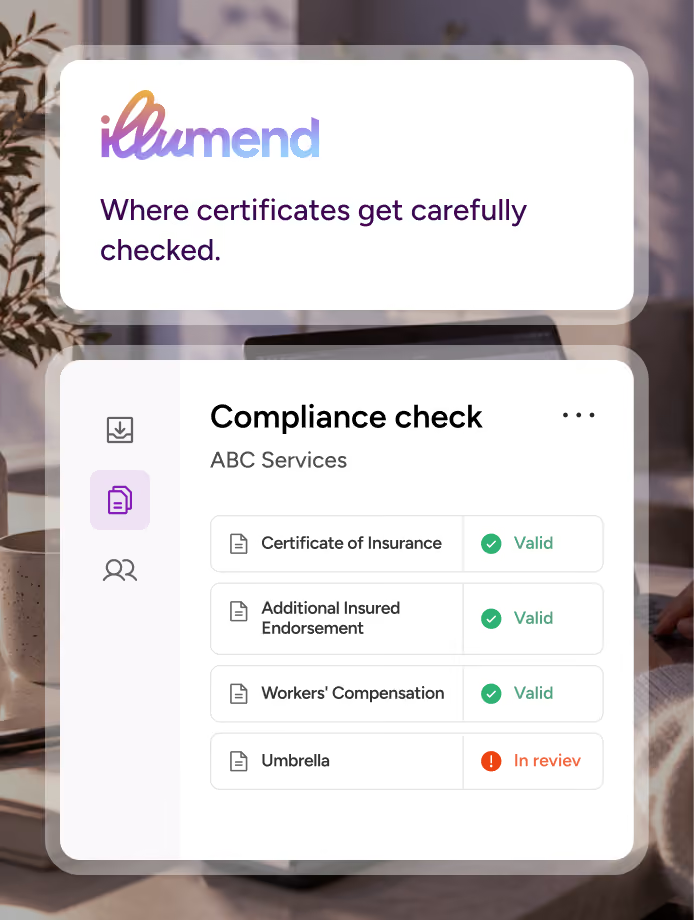
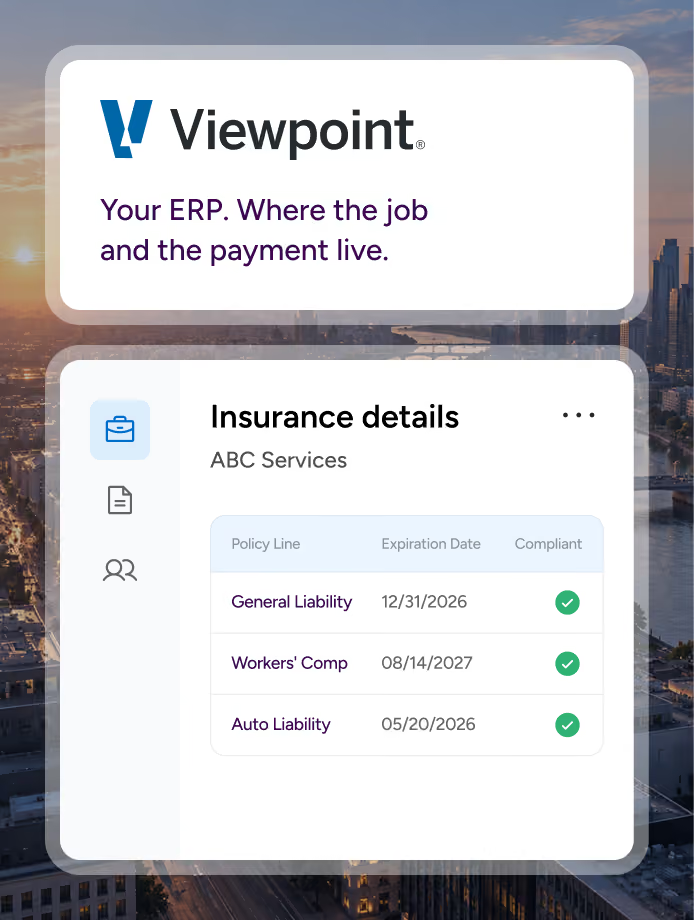
illumend connects to Viewpoint Vista and writes each subcontractor’s compliance status back by policy line, every two hours. Check coverage before you release payment.
THE PROBLEM

Your subcontractor compliance data is out of sync.

Right now a subcontractor gets set up twice, once in Vista and again wherever you track certificates of insurance, and the two records drift apart.

Track subcontractor compliance inside Vista.

illumend connects to Viewpoint Vista, so you can see who’s compliant without leaving Vista.

THE BENEFITS

What illumend adds to Viewpoint Vista

1
No double entry
Jobs, subcontracts and vendors come across from Vista, and compliance status by policy line writes back automatically.
2
Pay confidently
See who’s compliant in Accounts Payable before you release payment.
3
Status you can trust
The compliant checkbox in Vista reflects a full COI and endorsement review, not just a date check.
How illumend connects to Vista

What happens where

Compliance status shows up in Vista’s Subcontractor Ledger, Purchase Order, Job Costing and Accounts Payable modules. Data syncs every two hours.
Step 01
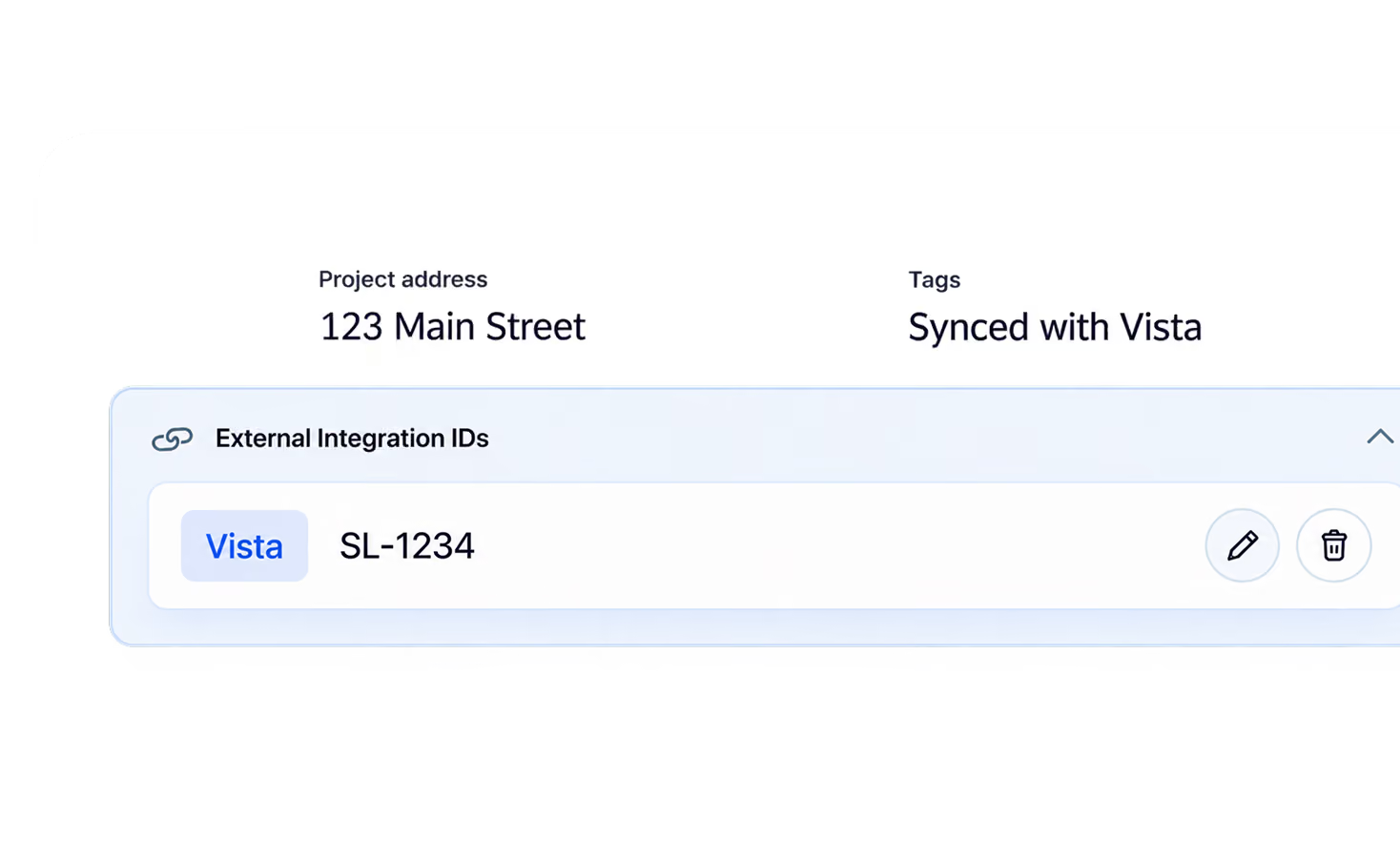
The job exists in Vista
A job or subcontract is created in Vista, the same way your team does it today.
Step 02
Link or create
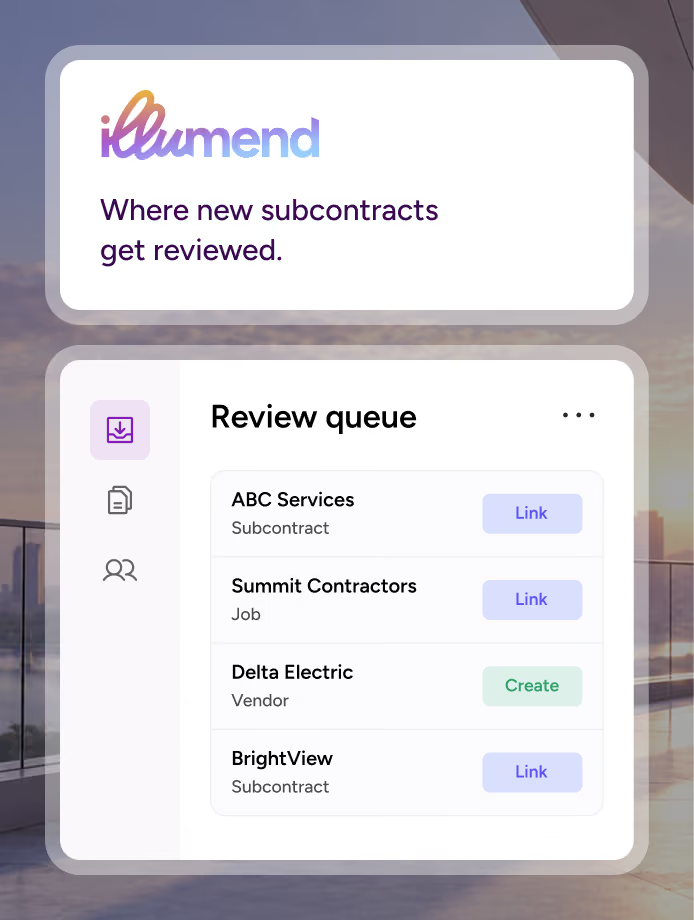
The record lands in a review queue in illumend. Your team links it to an existing agreement or creates a new one.
Step 03
Documents checked
illumend requests COIs and endorsements, then checks them against your requirements.
Step 04
Status in Vista
Compliance status and expiration date sit on each policy line, and the compliant checkbox fills in on its own.
See which records came from Vista
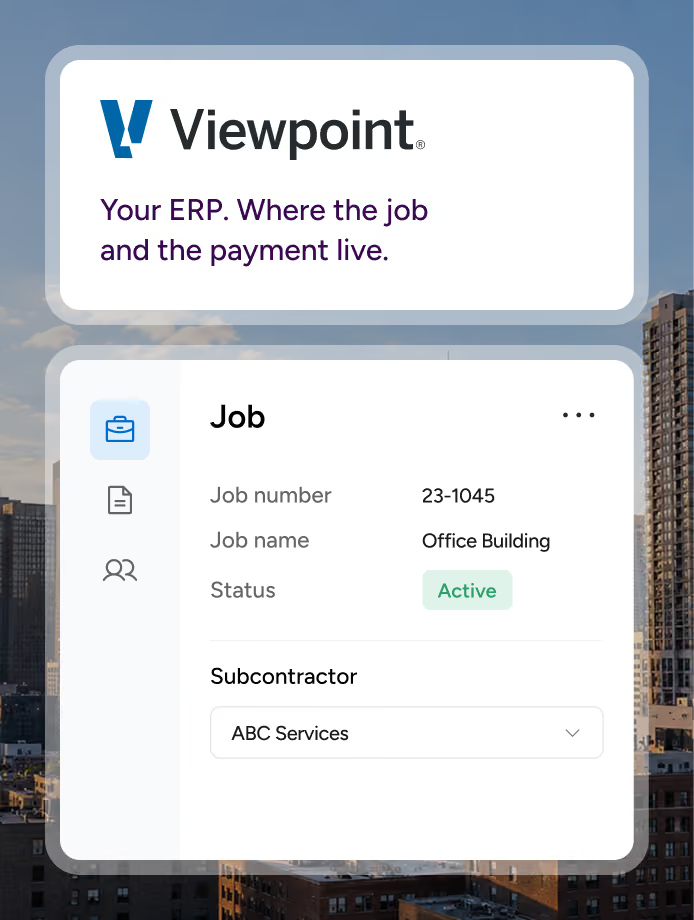
Every synced record carries an External Integration ID.
You’ll see it on the agreement, third-party partner and project records, so you always know what came from Vista.

See every subcontractor’s compliance, policy line by policy line, in Vista.

See it running on a job set up like yours. Already an illumend customer? Ask your rep to add Vista.

Frequently asked questions.

Which COI tracking software integrates with Viewpoint Vista?

illumend does. Jobs, subcontracts and vendors come across from Vista, illumend checks each subcontractor’s COIs and endorsements against your requirements, and compliance status writes back to Vista by policy line every two hours.

How does illumend connect to Vista?

Through Trimble AppXchange, Trimble’s own connector platform, so there’s no third-party middleware in between. Records sync both ways every two hours.

Where does compliance status show up in Vista?

In Vista’s Subcontractor Ledger, Purchase Order, Job Costing and Accounts Payable modules. Compliance status and expiration date sit on each policy line, and the compliant checkbox fills in on its own, so you can check coverage before you release payment.

How can I tell which records came from Vista?

Every synced record carries an External Integration ID. You’ll see it on the agreement, third-party partner and project records in illumend.

How do we turn on the Vista integration?

Submit an illumend demo form and we’ll show you the integration running on a job set up like yours. Already an illumend customer? Ask your rep about adding Vista to your plan. The connection runs through Trimble AppXchange.