illumend + Yardi Voyager integration

Your third-party partners are already in Yardi.

Insurance compliance status shouldn’t be all or nothing across your properties.
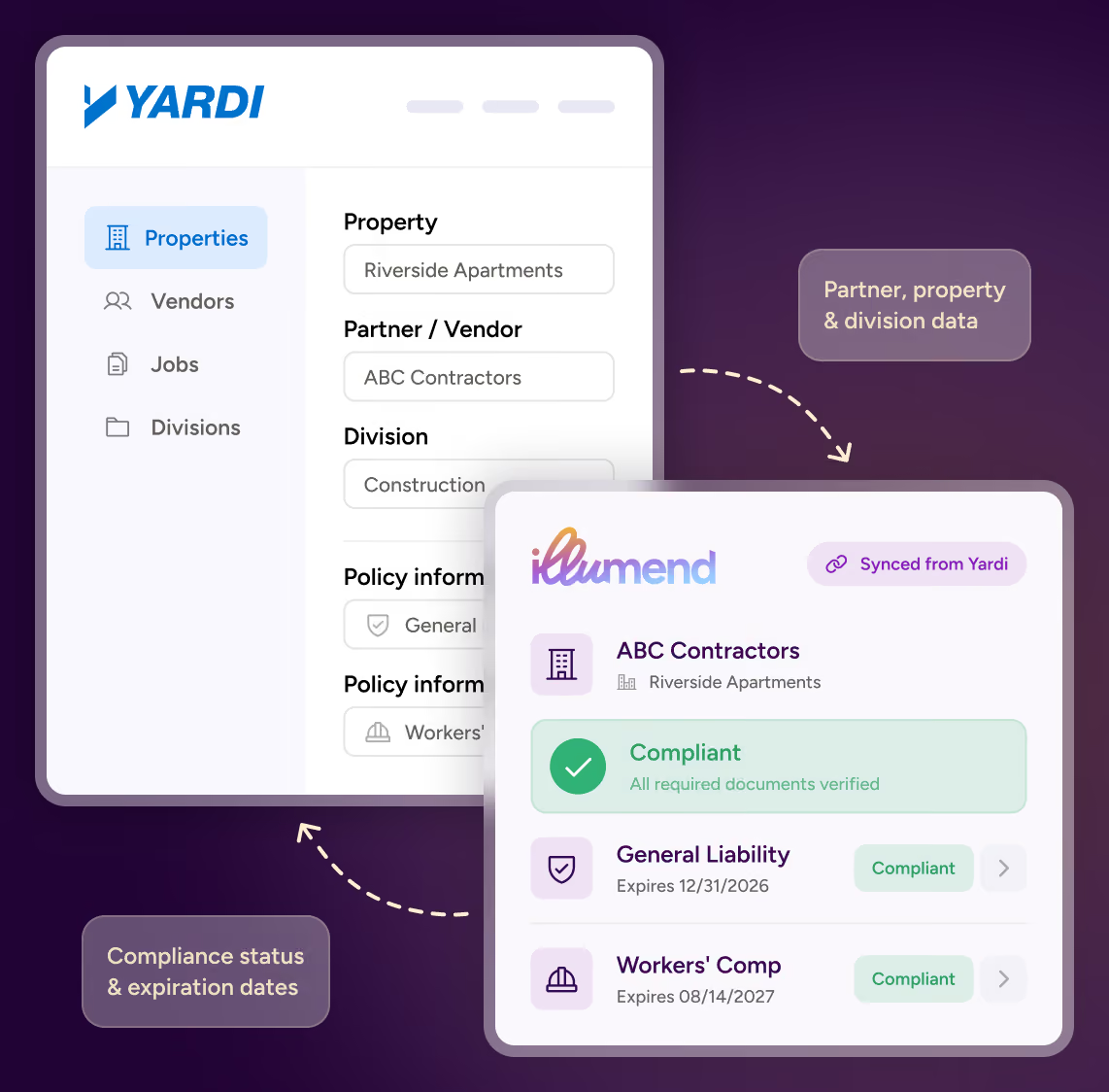
illumend connects to Yardi Voyager 7S and checks each vendor’s certificate of insurance against every property’s requirements. Your team doesn’t re-key a thing.
THE PROBLEM

Your vendor insurance data is out of sync.

Right now a vendor gets set up twice, once in Yardi and again wherever you track certificates of insurance, and the two records drift apart.

Meanwhile a vendor who’s short on coverage at one property shows as non-compliant across your whole portfolio.

Track vendor compliance by property across your entire portfolio.

illumend connects directly to Yardi Voyager and tracks each vendor’s compliance property by property, so you know who’s cleared to work where.

THE BENEFITS

What illumend adds to Yardi Voyager

1
Compliance by property
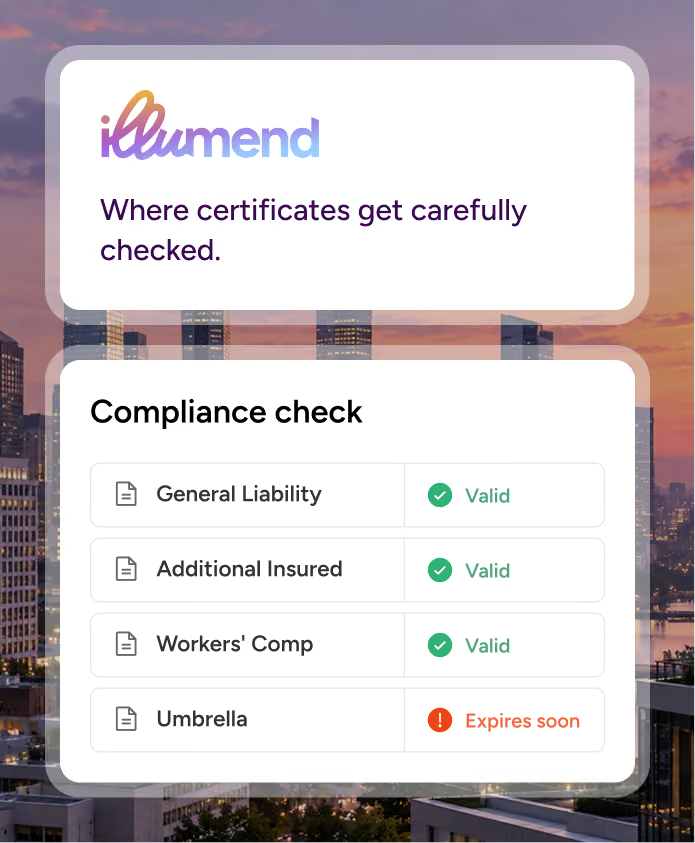
A vendor working at ten properties doesn’t have one compliance status. illumend checks their coverage against each property’s requirements, so you see exactly where they’re short.
2
No double
entry
Vendors, their property assignments and your divisions come across from Yardi automatically. Yardi stays your operational system. Nobody re-keys a list.
3
Status on the vendor record
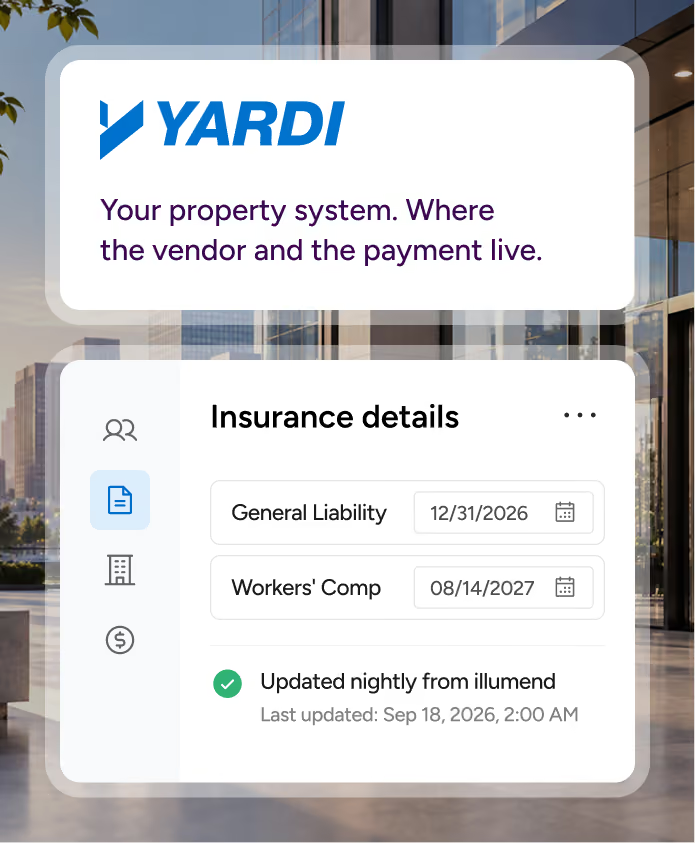
General Liability and Workers’ Comp expiration dates write back to the Yardi vendor record every night, so whoever releases payment is looking at a current date.
HOW IT WORKS

How illumend connects to Yardi

Your Yardi properties and divisions come across as programs in illumend, so each property gets its own compliance status instead of one blanket status. Every synced record is tagged, so you can always tell what came from Yardi.
Step 01
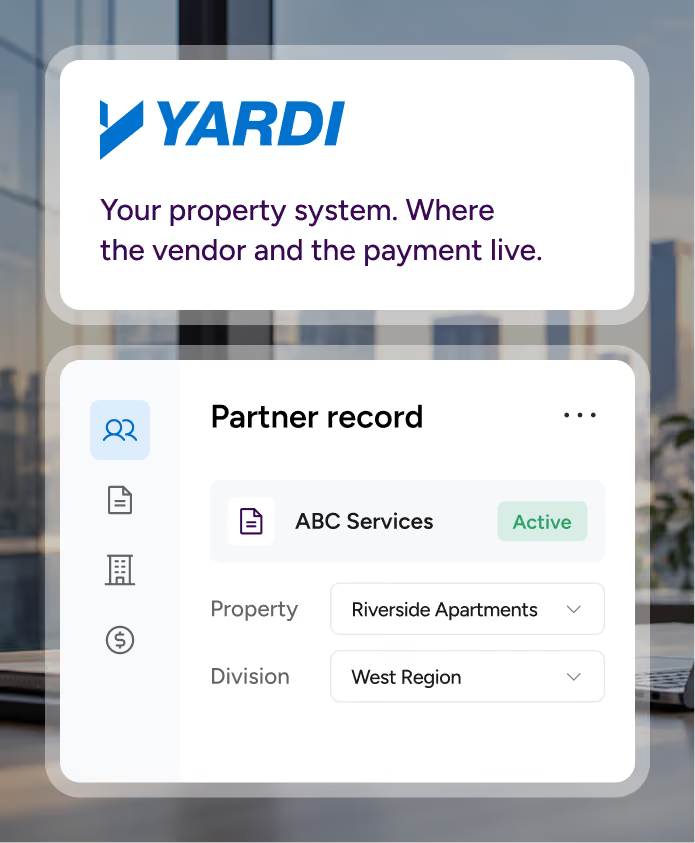
The vendor exists in Yardi
A vendor is set up against a property or division in Yardi, the same way your team does it today.
Step 02
Link or create
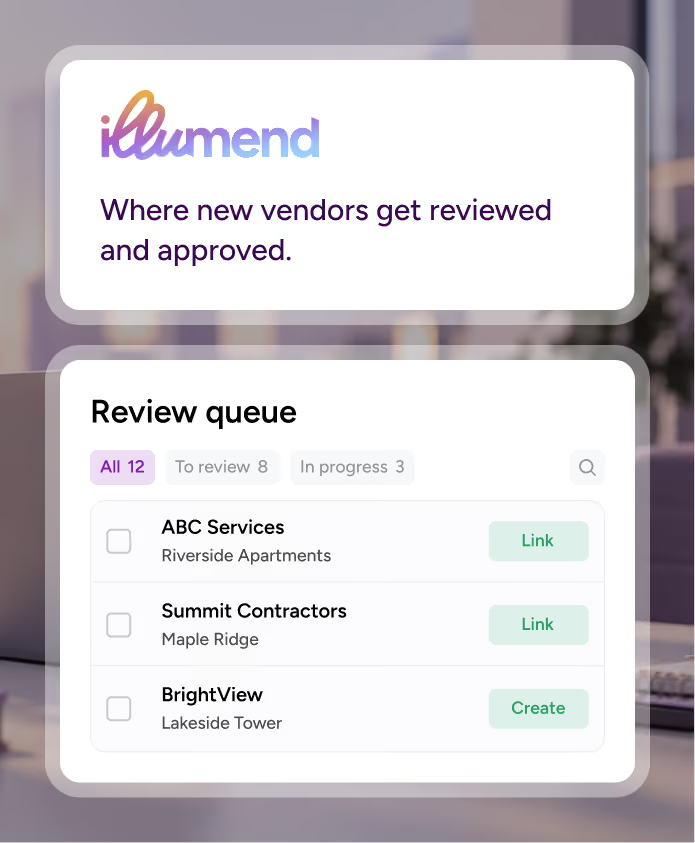
The record lands in a review queue in illumend. Your team links it to an existing agreement or creates a new one.
Step 03
Certificates checked
illumend requests COIs and endorsements, then checks them against the requirements for that property.
Step 04
Status in Yardi
General Liability and Workers’ Comp expiration dates sit on the vendor record and refresh every night. Nobody updates them by hand.
Know this before you connect

What illumend writes back to Yardi

Yardi has two compliance date fields, General Liability and Workers’ Compensation, and illumend keeps both current. Every other required policy line rolls into the earliest-expiring date, so Yardi always shows your most urgent gap. Which line is driving it, and why, lives in illumend, where Lumie, our AI, leaves a plain-language note on every decision.

PROVEN AT SCALE

illumend is the AI-native COI compliance platform built by the creators of myCOI, with 16 years behind it.

45M+
documents reviewed
1.2M+
agreements managed
750K+
third-party partners cleared
2M+
coverage gaps flagged before claims
COMPATIBILITY

Which Yardi versions work with illumend

Yardi version
Works with this integration
Voyager 7S, self-hosted
Yes
Voyager 7S, cloud
Yes
Voyager 6008
Not yet supported
Genesis 2
Not yet supported
Breeze
Not yet supported

To set it up: open a case in Yardi Client Central for the Vendor Add-On package. illumend handles the configuration from there.

See every vendor’s compliance, property by property, in Yardi.

We’ll show you the integration running against how your properties are set up.

Already an illumend customer? Ask your rep about adding Yardi to your plan.

Frequently asked questions.

Which COI tracking software integrates with Yardi Voyager?

illumend does. It connects to Yardi Voyager 7S, brings over your vendors, their property assignments and your divisions, checks each vendor’s certificates and endorsements against every property’s requirements, and writes General Liability and Workers’ Compensation expiration dates back to the Yardi vendor record every night.

Does the integration work with Yardi Breeze or Genesis 2?

No. The integration works with Yardi Voyager 7S, self-hosted or cloud. Voyager 6008, Genesis 2 and Breeze aren’t supported yet.

Which insurance dates show up in Yardi?

Yardi has two compliance date fields, General Liability and Workers’ Compensation, and illumend keeps both current every night. Every other required policy line rolls into the earliest-expiring date, so Yardi always shows your most urgent gap. Which line is driving it, and why, lives in illumend.

Does it track tenant insurance?

Not through this integration. It covers third-party partners, the contractors and service partners working at your properties.

How do we turn on the Yardi integration?

Submit an illumend demo form or open a case in Yardi Client Central for the Vendor Add-On package. illumend handles the configuration from there. Already an illumend customer? Ask your rep about adding Yardi to your plan.